





Creating a home workspace that is both relaxing and productive can greatly enhance your work-from-home experience. Whether you’re freelancing, running a business, or simply need a dedicated spot for day-to-day tasks, a comfortable environment helps maintain focus and reduces stress. Below are practical tips to help you set up an effective home workspace without feeling overwhelmed.
Choose the Right Location
Selecting the ideal spot in your home is the first step in establishing an efficient workspace.
– Quiet and Private: Aim for a place with minimal distractions and noise, where you can concentrate without interruptions.
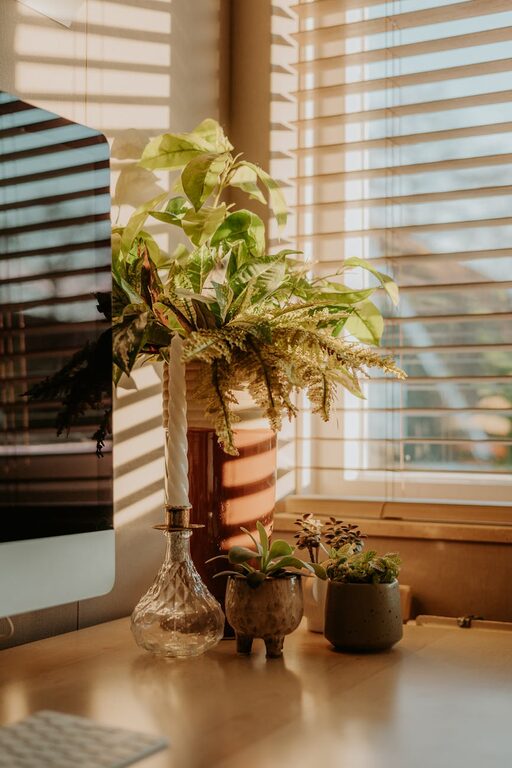
– Natural Light: Position your desk near a window if possible. Daylight improves mood and alertness.
– Separate from Relaxation Areas: Avoid working from your bed or sofa to help maintain a clear boundary between work and rest.
Invest in Ergonomic Furniture
Comfort is crucial for long periods spent working. Ergonomic furniture supports your posture and prevents discomfort.
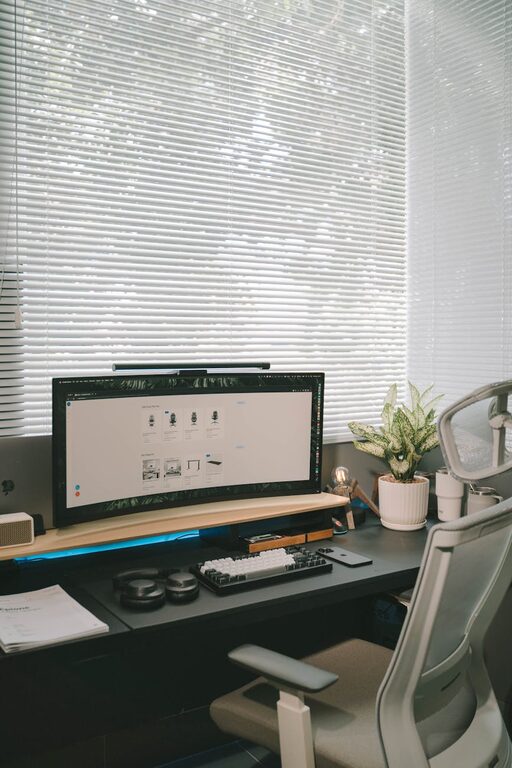
– Adjustable Chair: Use a chair with lumbar support, adjustable height, and comfortable cushioning.
– Appropriate Desk Height: Your desk should allow your elbows to rest at about 90 degrees, reducing strain on your wrists and shoulders.
– Consider a Footrest: If your feet don’t reach the floor comfortably, a footrest can improve circulation.
Keep your Workspace Organised
An uncluttered workspace minimizes distractions and makes it easier to find important items quickly.
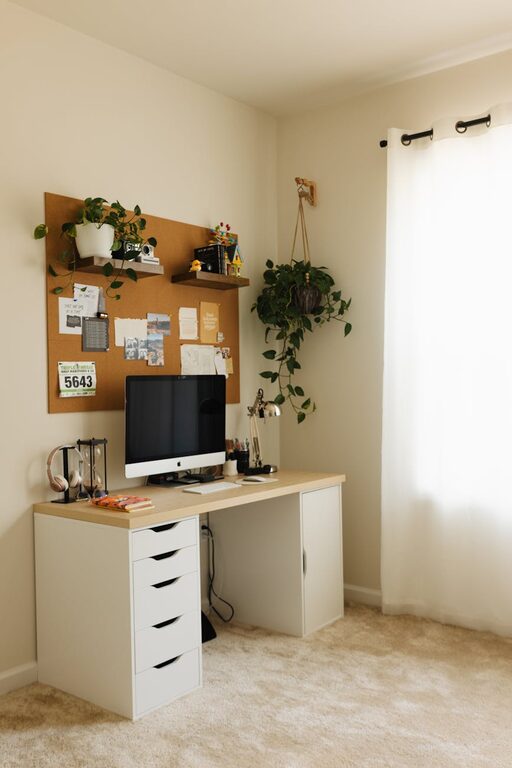
– Use Storage Solutions: Drawers, shelves, and desk organisers keep papers and supplies tidy.
– Declutter Daily: Spend a few minutes at the end of each day clearing your desk.
– Cable Management: Use clips or ties to organise cables and keep them out of view.
Personalise Your Space
Adding a few personal touches creates a workspace you enjoy spending time in.
– Plants: Indoor plants can improve air quality and provide a calming effect.
– Artwork: Pictures, prints, or inspiring quotes can boost motivation.
– Colour Scheme: Choose calming colours like soft blues or greens to create a relaxing atmosphere.
Manage Lighting
Good lighting reduces eye strain and keeps you alert.
– Layered Lighting: Combine natural light with task lighting and ambient light.
– Adjustable Desk Lamp: Provides focused light for reading or detailed tasks.
– Avoid Glare: Position screens and lights to prevent reflections that can cause headaches.
Set Boundaries and Routines
Maintaining a daily routine and setting boundaries between work and home life helps balance productivity and relaxation.
– Regular Hours: Try to start and finish work at consistent times.
– Breaks: Take short breaks to stretch or relax your eyes every hour.
– Signalling Work Time: Use items like a closed door or a “working” sign to signal when you shouldn’t be disturbed.
Minimise Distractions
Keeping distractions to a minimum encourages better focus.
– Turn Off Notifications: Silence unnecessary alerts on your computer and phone.
– Create a To-Do List: Prioritising tasks helps avoid interruptions due to uncertainty or procrastination.
– Limit Access to Social Media: Use browser extensions or apps to block distracting sites during work hours.
Incorporate Relaxation Elements
To make your workspace a calm haven, bring in elements that support mental wellbeing.
– Comfort Items: A soft cushion, a cosy throw, or aromatherapy can enhance comfort.
– Sound: Background music or white noise can improve concentration and drown out other sounds.
– Mindfulness Space: Dedicate a small corner for quick relaxation exercises or stretches.
Use Technology Wisely
Technology should aid productivity without adding stress.
– Reliable Equipment: Ensure your computer, internet, and peripherals are dependable and fast.
– Organised Digital Files: Keep your documents and emails well organised.
– Use Productivity Tools: Apps for task management, calendars, and reminders can help manage your workload.
—
By following these simple tips, you can create a workspace at home that is both calming and effective. Remember that your environment plays a significant role in your wellbeing and work success. Regularly review your setup and make adjustments as your needs change to maintain a harmonious balance between relaxation and productivity.